How to sign up for a hosting service with SWHosting
How to rent a hosting service with SWHosting
For your website to be successful and work properly, it is crucial to have a hosting service that is appropriate for your project.
Next we will show you how to contract a HOSTING SMART FLEX MAXI at SWHosting.
Steps to hire your hosting
- Choose your hosting plan.
Choose the hosting plan that best suits your needs.
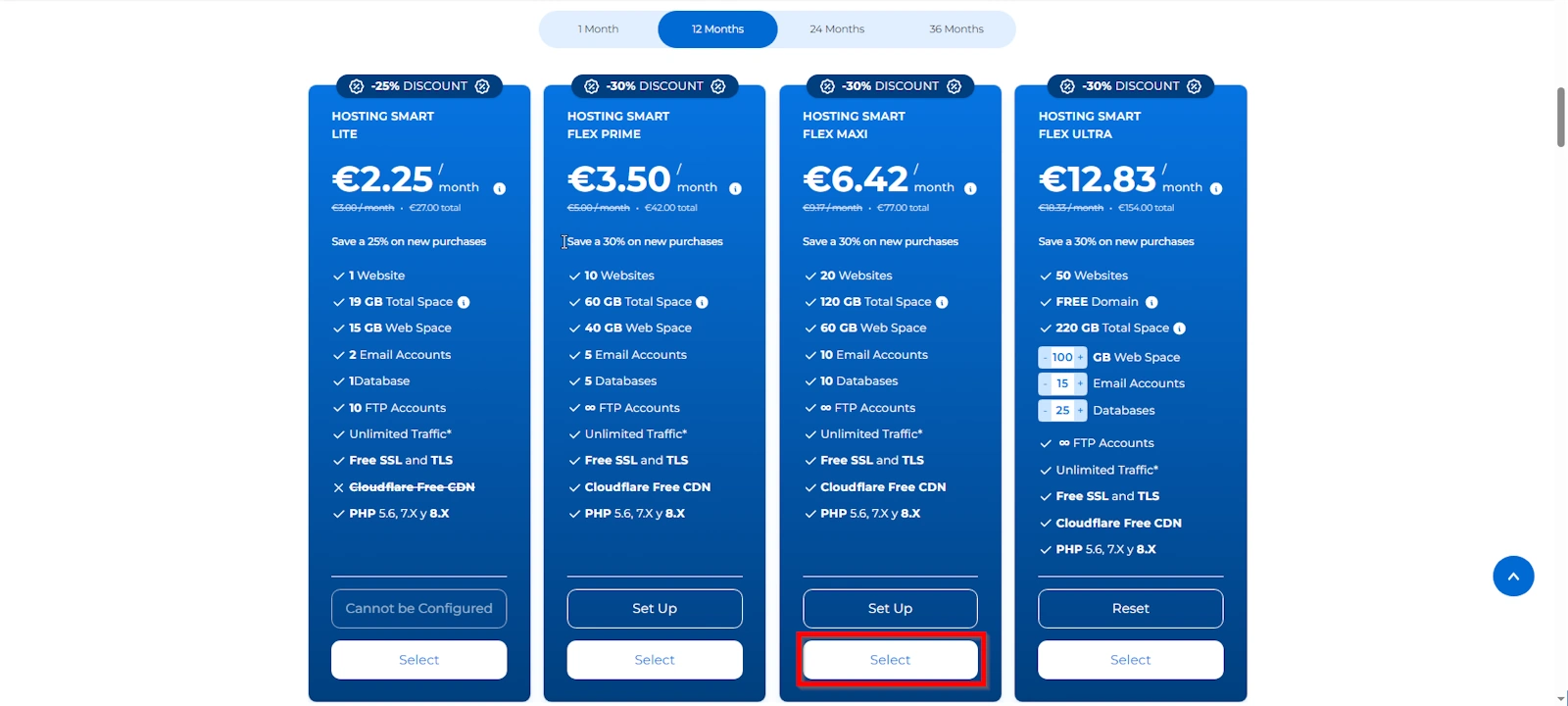
- Choose your domain:.
Choose the domain you want to use for your website.
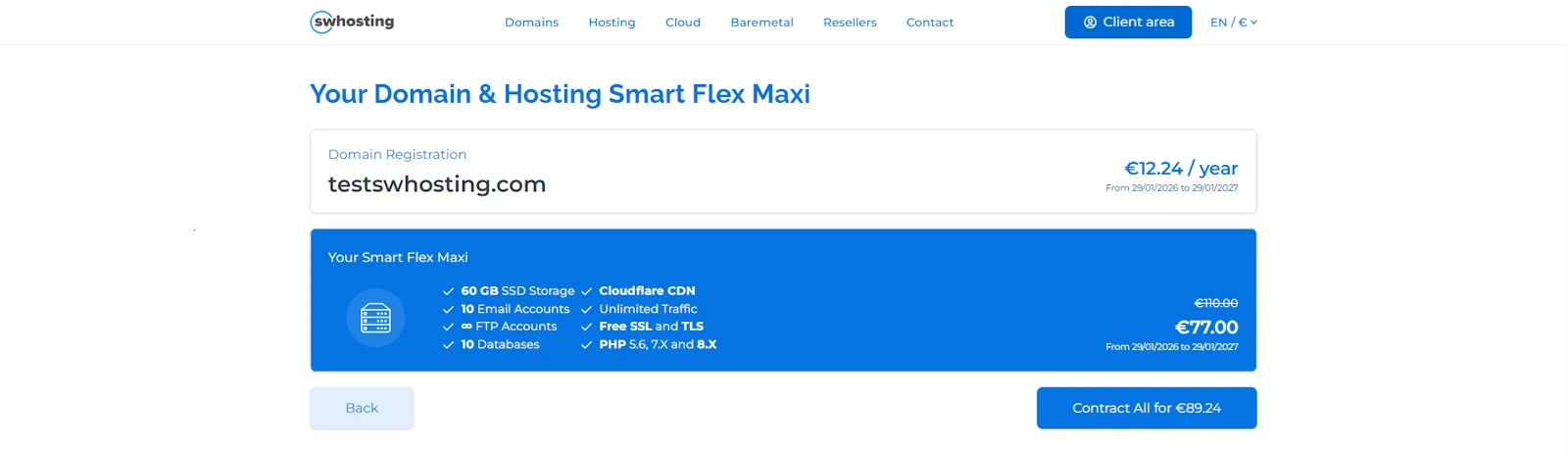
- Check domain availability:.
Verify that the domain you have selected is available.
-
- Contract the Hosting:.
Proceed to contract the hosting plan you have previously selected.
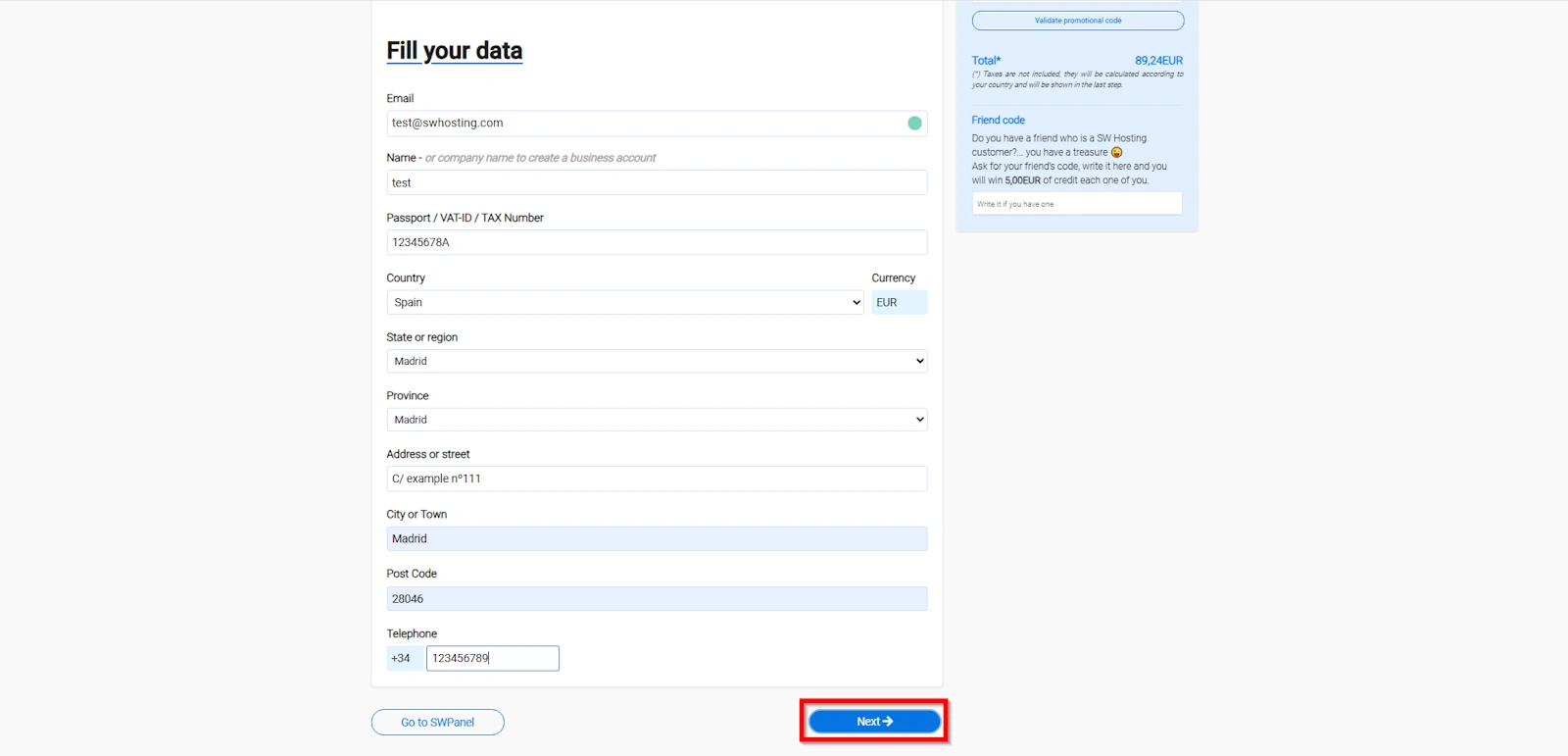
- Fill out your SWPanel information:.
Go to the SWPanel page to enter your personal and contact information.
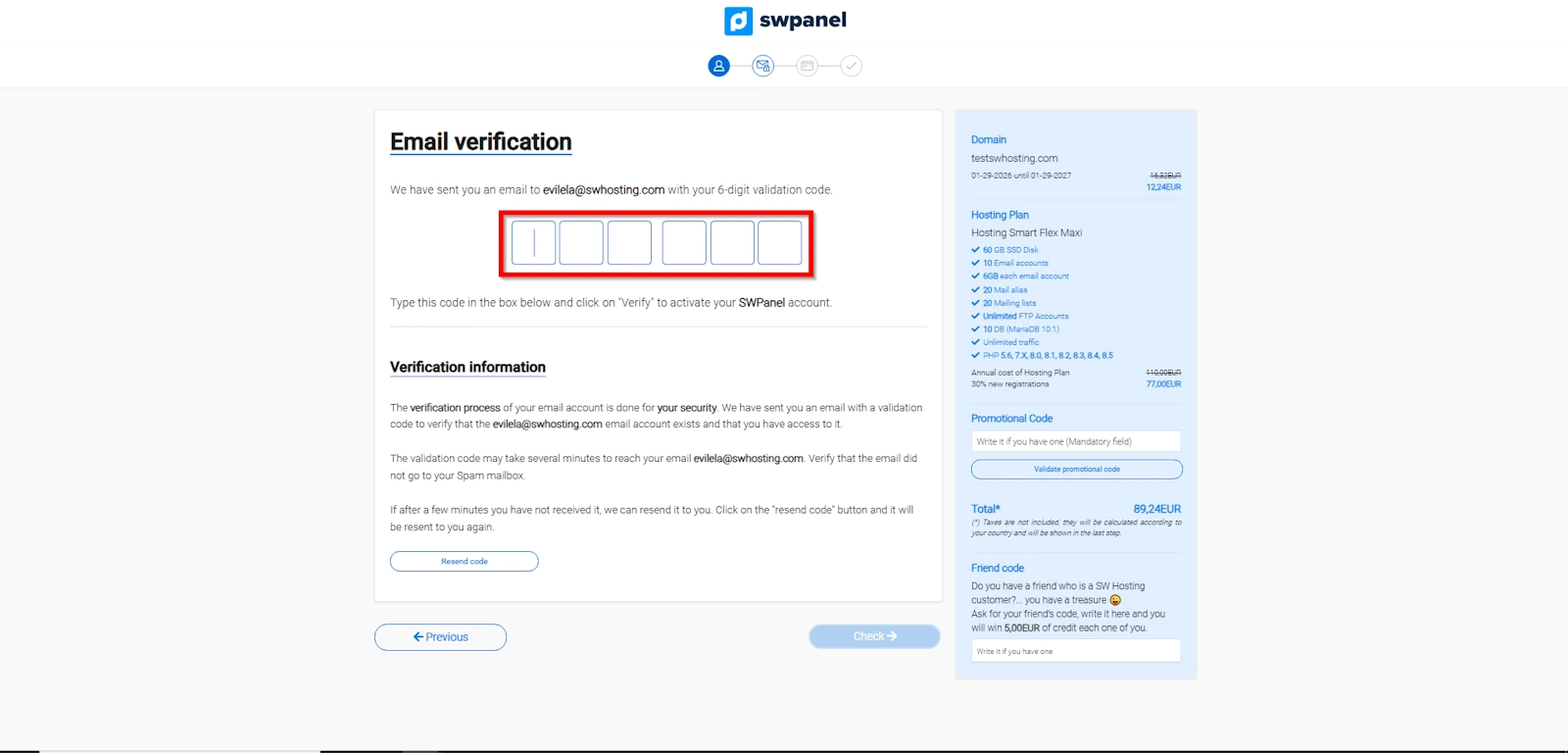
- Verify your email:.
Verify your email address using the verification link sent to your email.
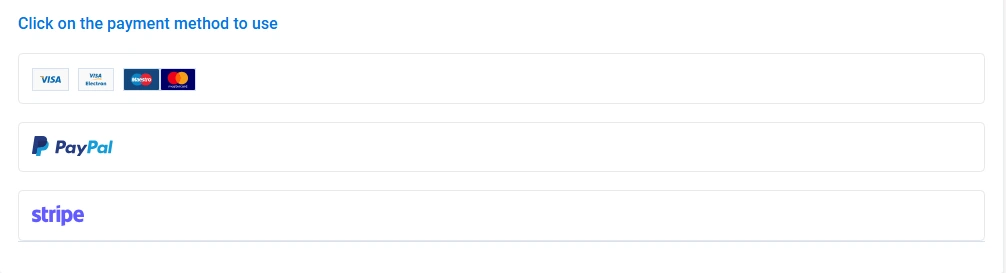
- Checkout:.
Choose your preferred payment method and make the payment for your hosting plan.
-
- Redirect to SWPanel:.
Once you have paid for your plan, you will be automatically redirected to the SWPanel to manage your project.
Following these simple steps, you have rented your HOSTING SMART FLEX MAXI and you are ready to start managing your website with SWHosting.