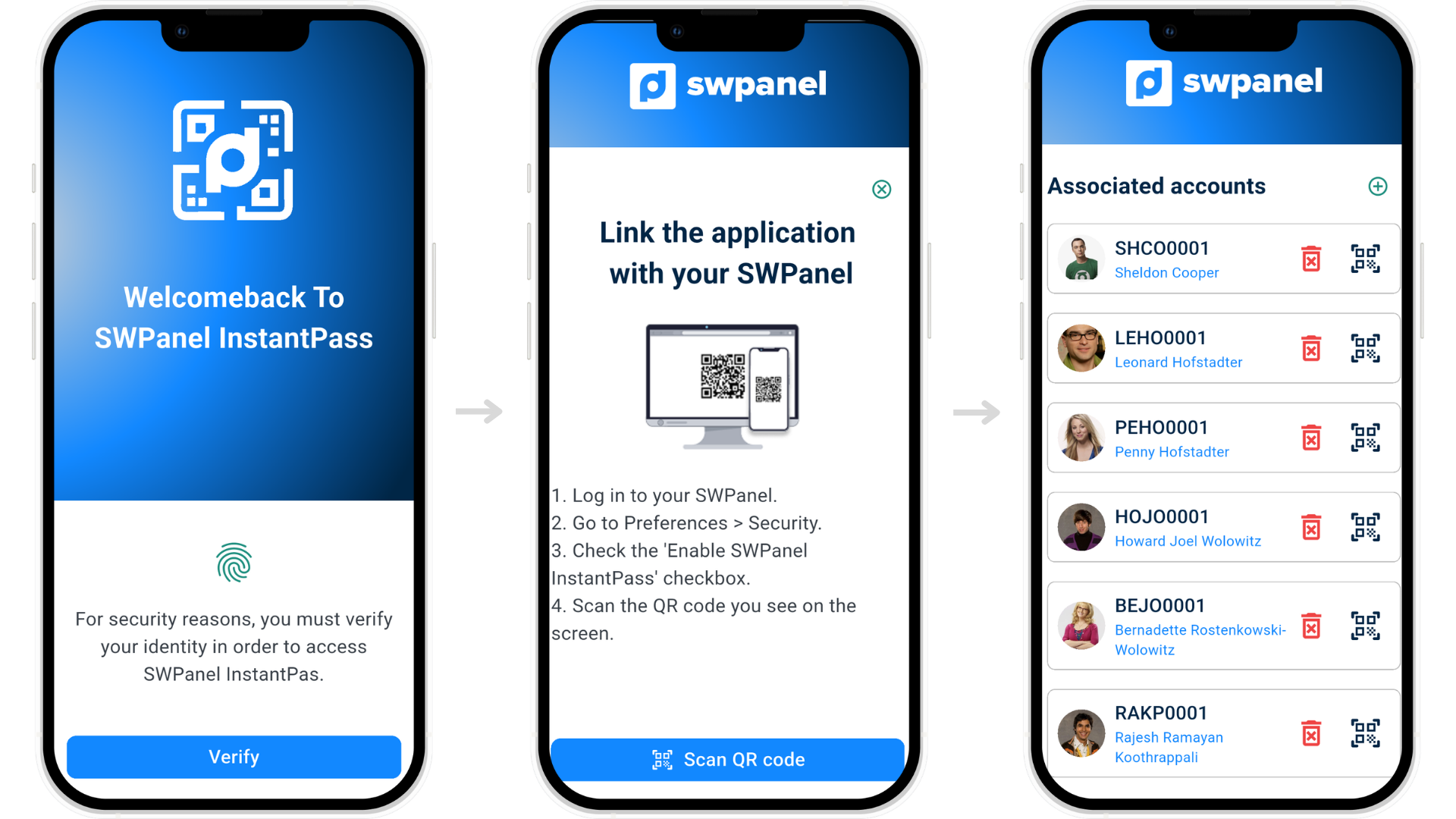
Forget passwords and discover a new way to access your accounts. With InstantPass, you can validate access in seconds from your device, with a system designed to offer more security, less friction and a much more convenient experience in your day to day.
Start now
Eliminates the use of passwords and reduces risks of unauthorized access.
Access your accounts in seconds with a simple scan.
Manage and validate access from your device, wherever you are.
Forget about remembering credentials or reusing insecure passwords.
Link your account in one step and start using it right away.
A new way of accessing, more comfortable and adapted to your day to day life.
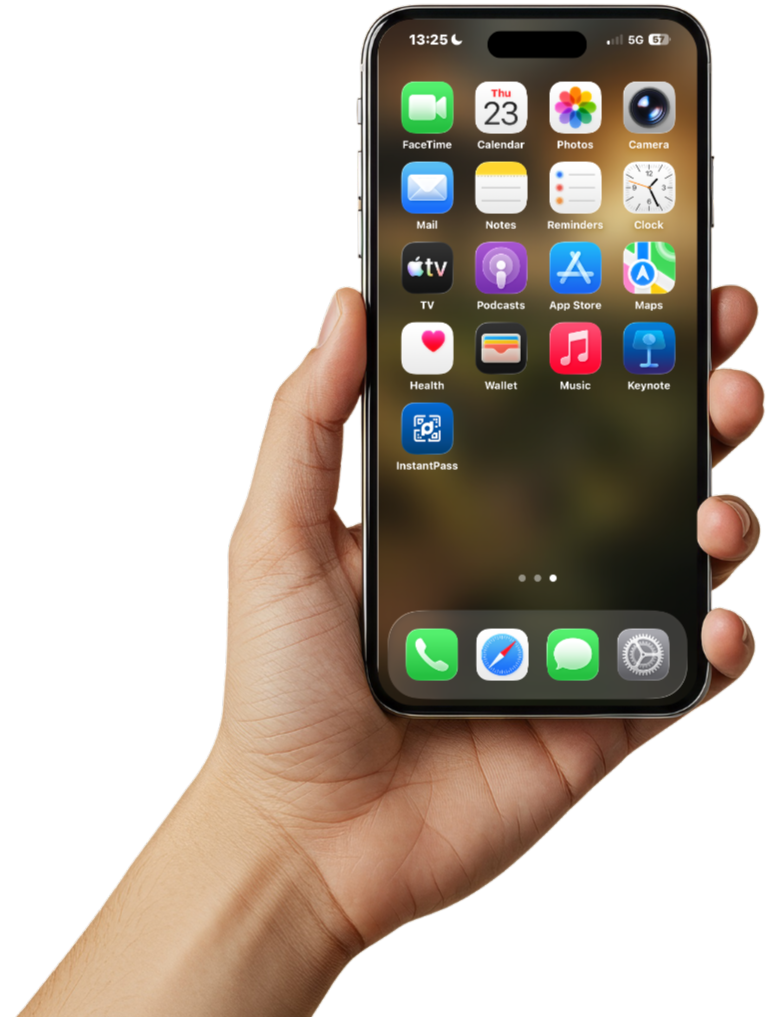
If you are using Android, open the Play Store and search for "InstantPass - SWPanel". Once you find it, just press the download button and in a few moments you will have it ready.
If you have an iPhone, go to the App Store, search for "InstantPass - SWPanel" and download it directly to your device with a single click.
Do you prefer to go even faster? You can scan the QR codes and access the download directly without having to search for the app manually.
Once installed, open the app and securely link your SWPanel account.
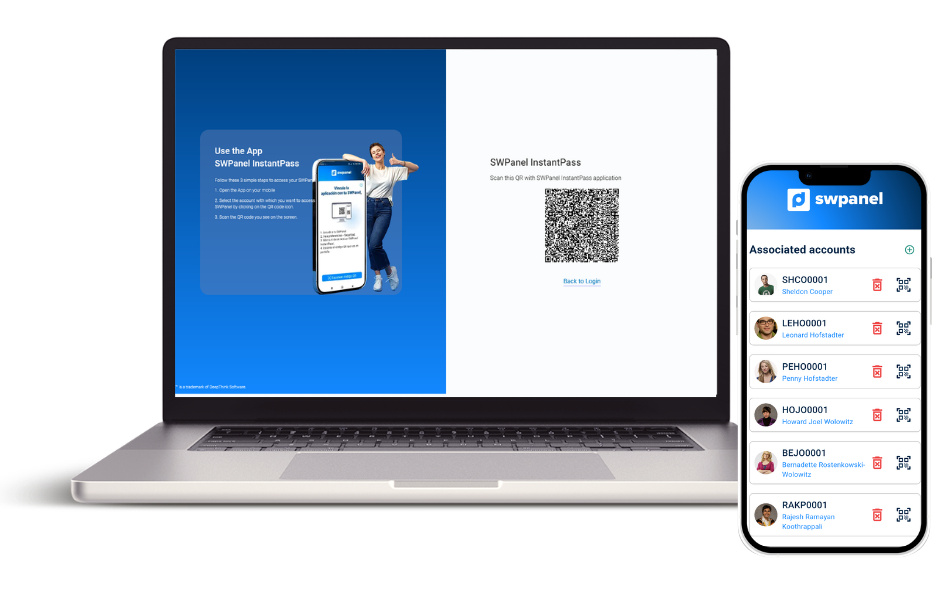
Access your panel and scan the linking QR code. This will connect your device to your account without the need for complex configurations.
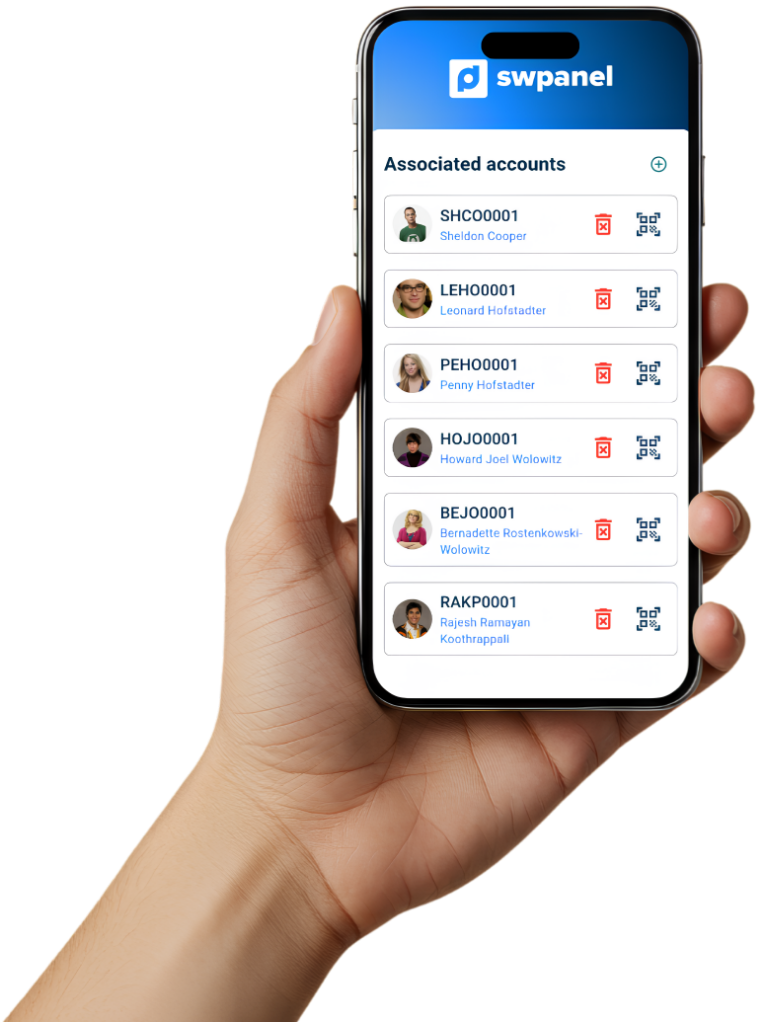
The linking is unique and secure: your device will be associated with your account to validate access quickly.
Forget about passwords. When you want to access, you just have to scan the QR code from the app.
Open InstantPass, scan the code that appears on the login screen and validate access with your device.
In seconds, you will be in your account securely and without typing anything.
No. InstantPass is completely free and is part of the SWPanel ecosystem.
This is not a paid module, but a security feature built into the panel. It can be easily activated from:
Preferences → Security
Check out our manual for more information:
https://swpanel.com/en/comunidad/manual/how-to-activate-swpanel-instantpass-for-my-client-account
InstantPass is a mobile application compatible with:
- Android (7.0 or higher)
- iPhone and iPad (iOS / iPadOS 16.6 or higher)
To work properly you need:
- Camera (to scan QR codes)
- Internet connection
Yes. InstantPass does not work independently.
It is a tool specifically designed to access SWPanel, acting as a secure digital key.
To use it you must:
- Have an active account on SWPanel
- Activate InstantPass from the panel
- Link the device by scanning a QR code
InstantPass is designed with a privacy and security focus.
Does not collect or store:
- Personal data
- Sensitive information
- User activity (tracking or analytics)
- Data shared with third parties
Only uses:
- The SWPanel username (to display it in the app)
- Temporary tokens to validate authentication (without personal data)
- Internet connection for verify access
Device access:
- Camera (QR)
- Optionally, biometrics (Face ID or fingerprint)